Work › boxx
boxx
Install and run Docker apps on one Linux host, from a TUI.
Soon · Not public yet. Its own site is next.
- Role
- Owner: product, architecture and review.
- Built
- 2026-05 → now
- History
- 22 commits
- Stack
- Go · Bubble Tea · Docker · Caddy
Story
I tried Kamal, Coolify and the rest, and wanted something tailored to how I work: one Linux host, many apps, HTTPS for every hostname, and a TUI to see it all.
One requirement from the start: local development has to mimic the hosted environment with very little setup.
boxx installs Docker, puts Caddy in front for certificates, sets up MySQL or Postgres if a site needs a database, and deploys without downtime.
It deploys bibsee.com, nurun.co and nurun-admin today. rosebee and stored are next, and so is this site.
Results
- Deploys bibsee.com, nurun.co and nurun-admin today.
- Next on it: rosebee, stored and this site.
- Its own site comes after that.
System, layer by layer
- [x] Interface
- A Bubble Tea TUI (dashboard, install wizard, app actions, ops log) and a Cobra CLI.
- [ ] API
- Not part of this project.
- [x] Data
- Its own state in one file, /var/lib/boxx/state.json. A Docker volume mounted at /storage for each app. An optional MySQL 8 or Postgres database per app (one shared database for a group), on a private Docker network with no public ports.
- [x] Infra
- Docker, plus Caddy with a Let's Encrypt certificate per hostname. Path-based app groups, wildcard subdomains, and a systemd timer for updates.
- [x] Ops
- Zero-downtime deploys, env and config with rollback, doctor, logs, self-upgrade, and a per-app update policy (off, notify, auto).
Screens
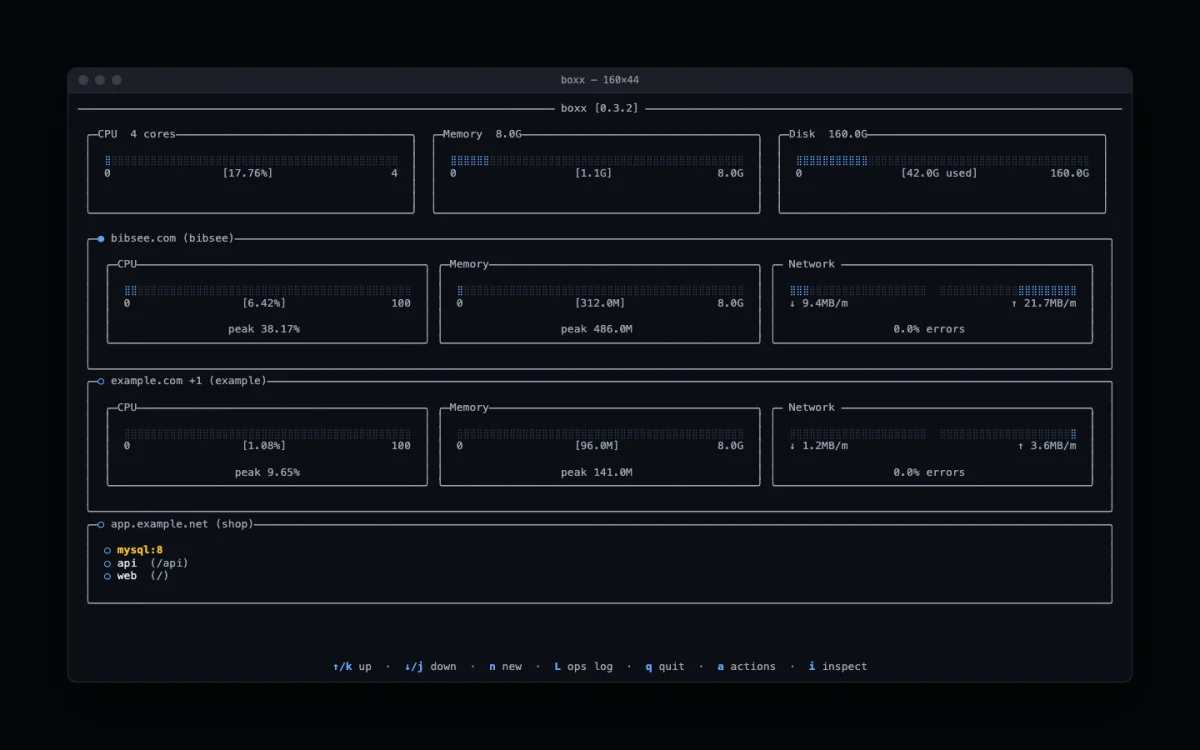
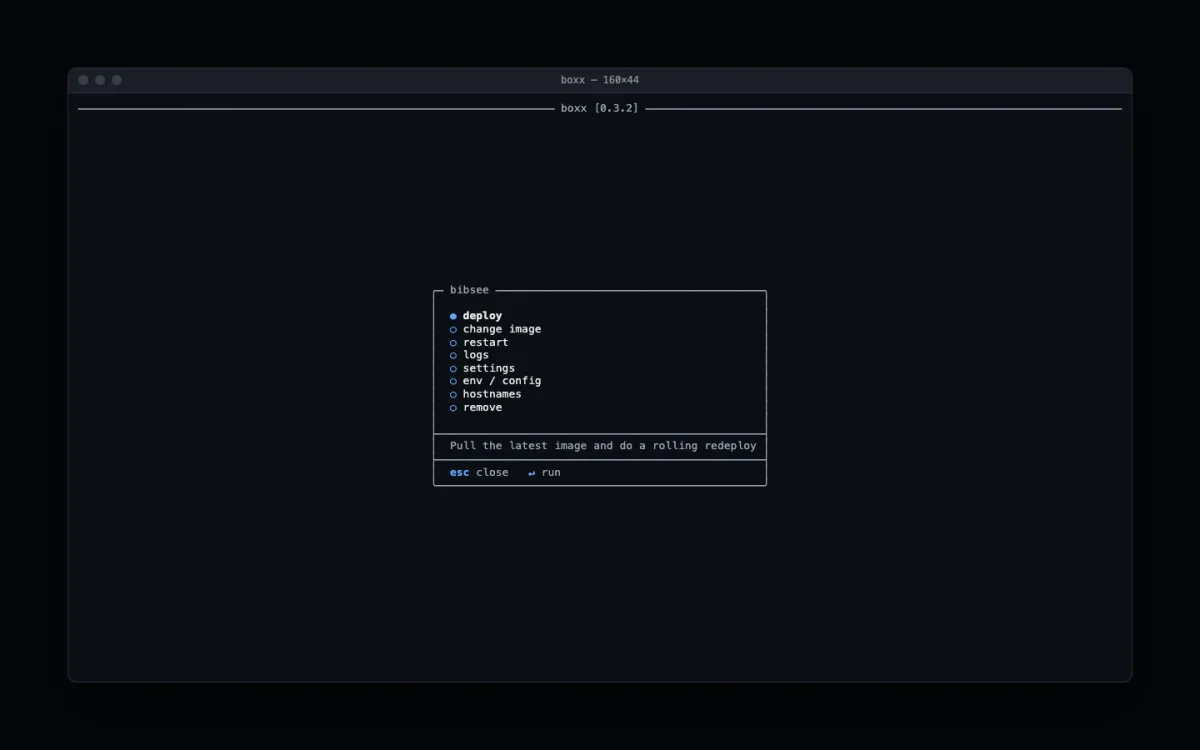
Decisions
- 01
Local matches hosted
A requirement from day one: an app running under boxx on my laptop should behave like it does on the server, with very little setup.
- 02
A small contract
An app needs three things to run on boxx: it's a Docker image, it listens on port 80, and it answers GET /up. Storage and a database are optional.
- 03
Storage that survives redeploys
boxx mounts a Docker volume at /storage for each app. Anything an app writes there survives redeploys and image changes, and boxx remove deletes it unless you pass --keep-data. An app that never writes files can ignore it.
- 04
Databases on request
When you install a site, boxx asks whether it needs a database: none, MySQL or Postgres. If it does, boxx starts one on its private Docker network, generates the credentials itself and hands the app a ready DATABASE_URL, so you never create or store a password. boxx db forward opens a local port to it for tools like TablePlus.
- 05
State in one file
Everything boxx knows about a host lives in one JSON file, easy to inspect and back up.
- 06
One operation at a time
Operations take a lock and write to an ops log you can open from the TUI with L, so two deploys never collide.
In the box
- install, and install a group behind one hostname
- Zero-downtime deploy
- Hostnames: add, remove, primary, redirect, wildcard
- Optional databases: set up on install, forward to localhost, reset user, recreate
- Env and config with rollback
- Logs, doctor, proxy, upgrade
- TUI: dashboard, install wizard, app actions, ops log